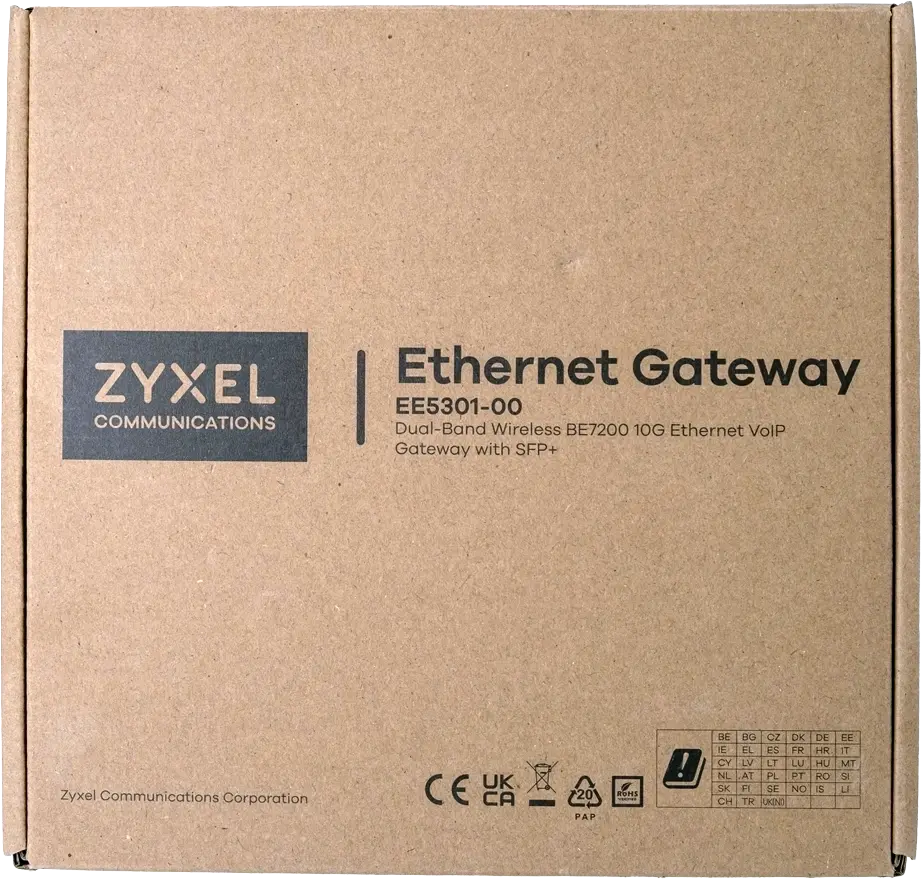
Please check that your package includes the following items
1x Zyxel EE5301 unit.
1x Power adapter.
1x SFP module.
1x Fibre cable.
Prepare the Fibre Cable and SFP Module
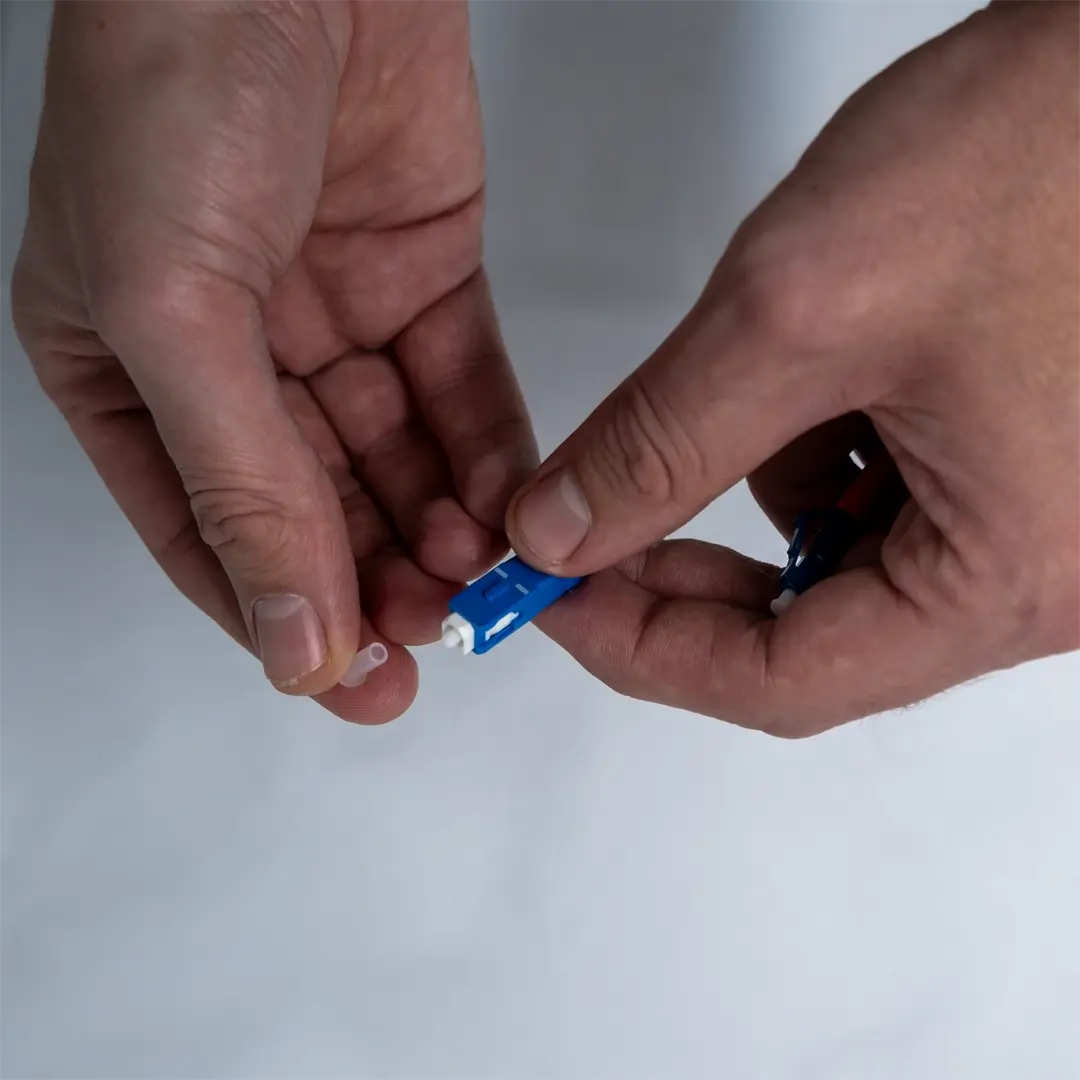
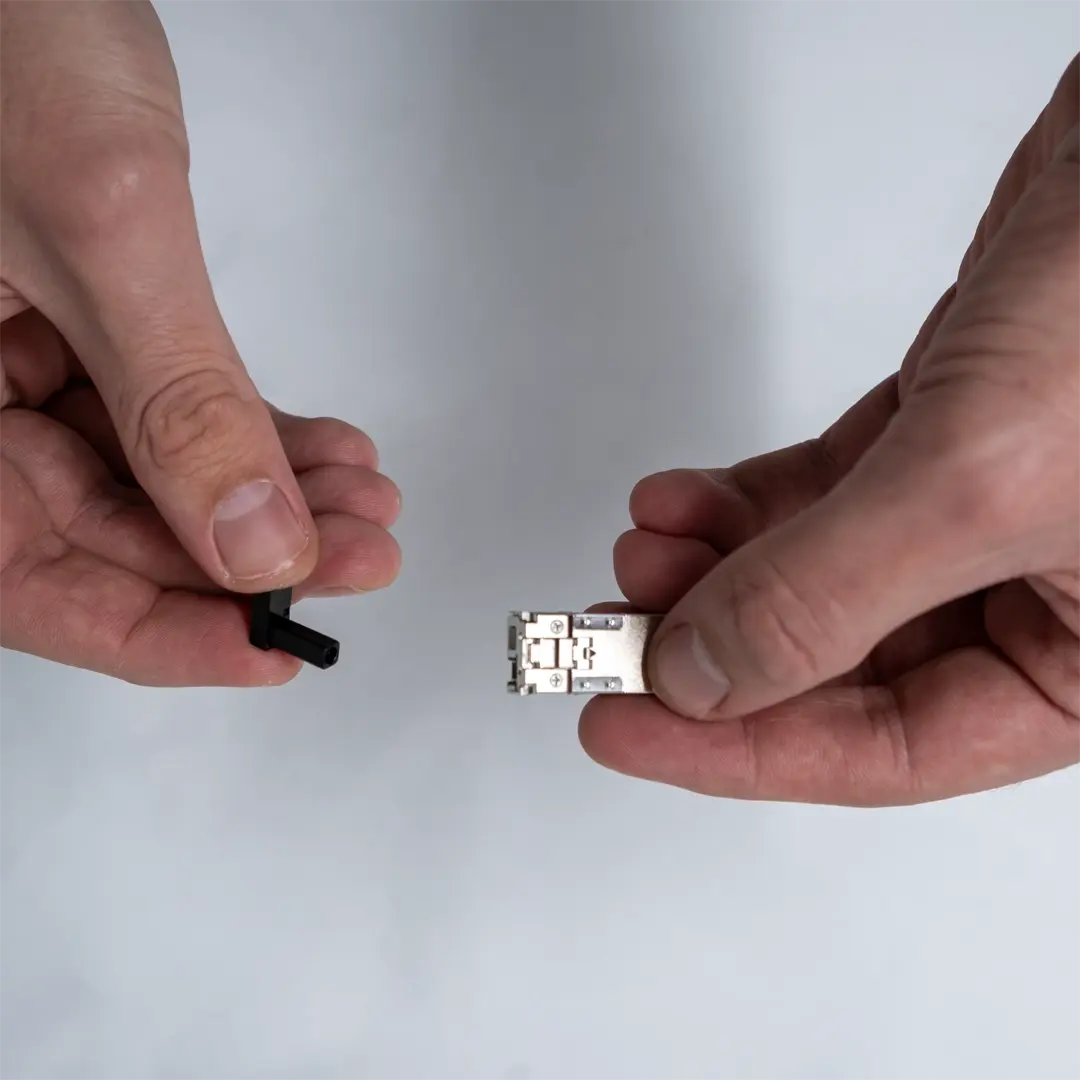
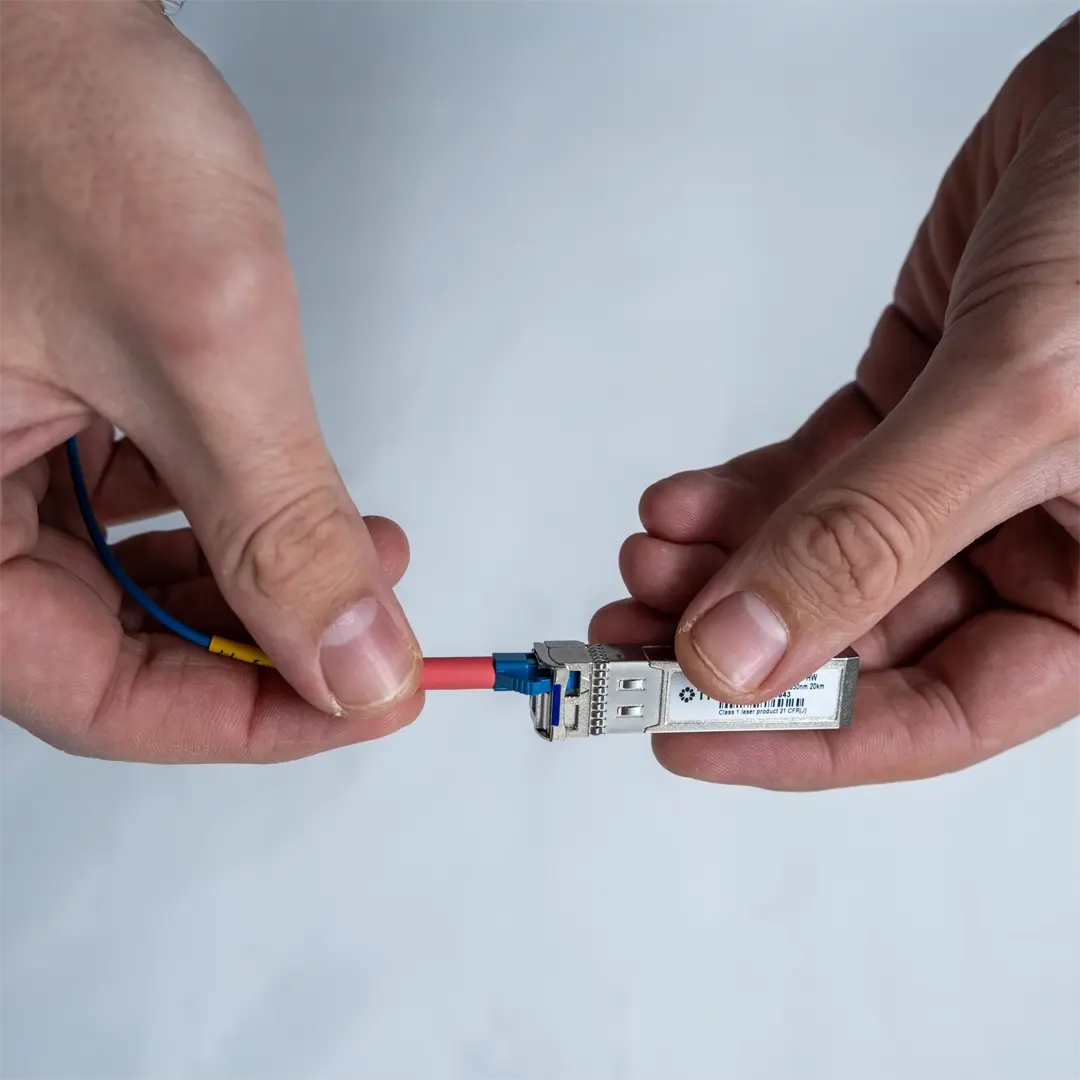
Remove the protective caps from the fibre cable connectors (see image 1) and the dust covers from the SFP module (see image 2).
Connect to the Fibre Outlet
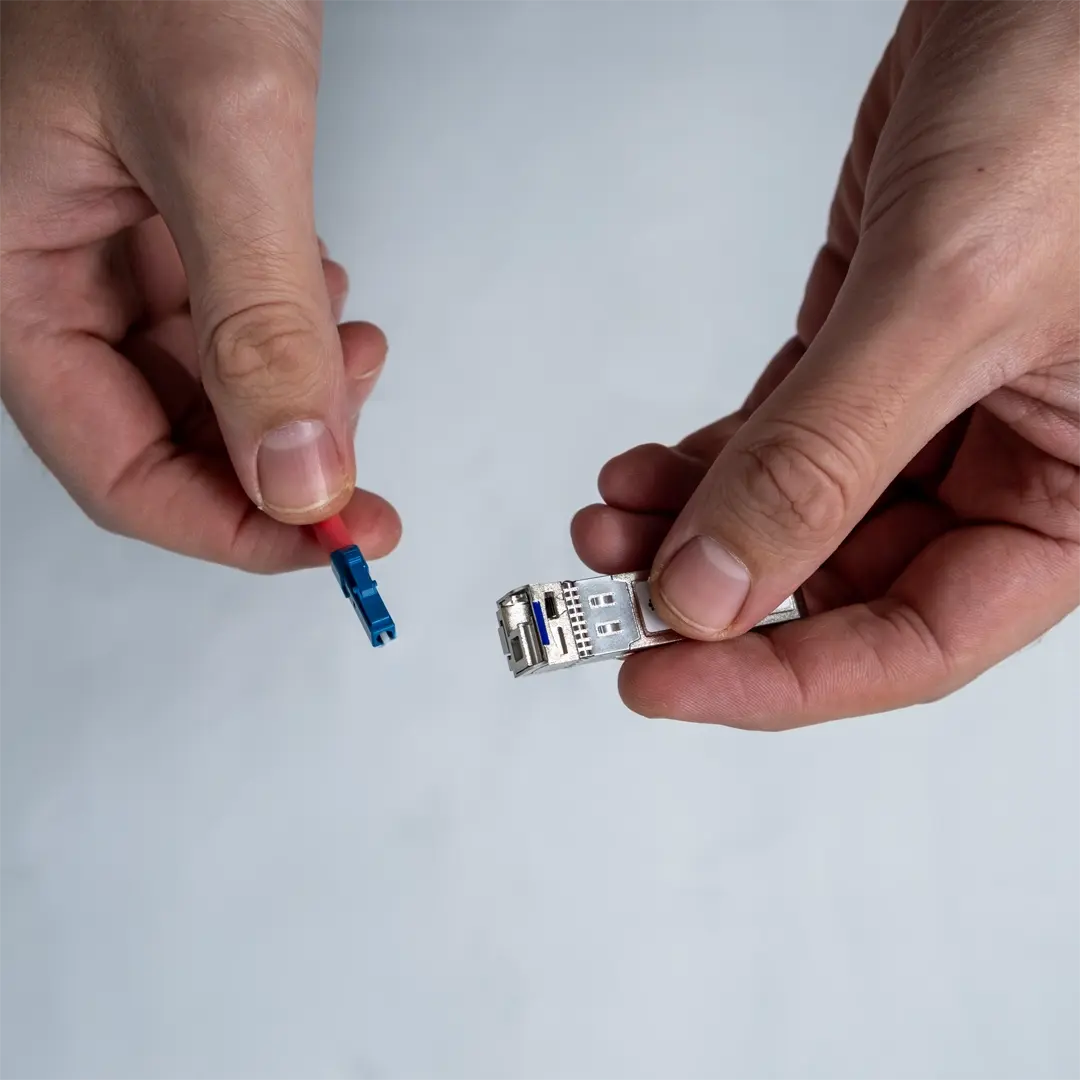
Insert the smaller connector on the fibre cable into the SFP module. Make sure it clicks securely into place.
Remove the Bottom Cover
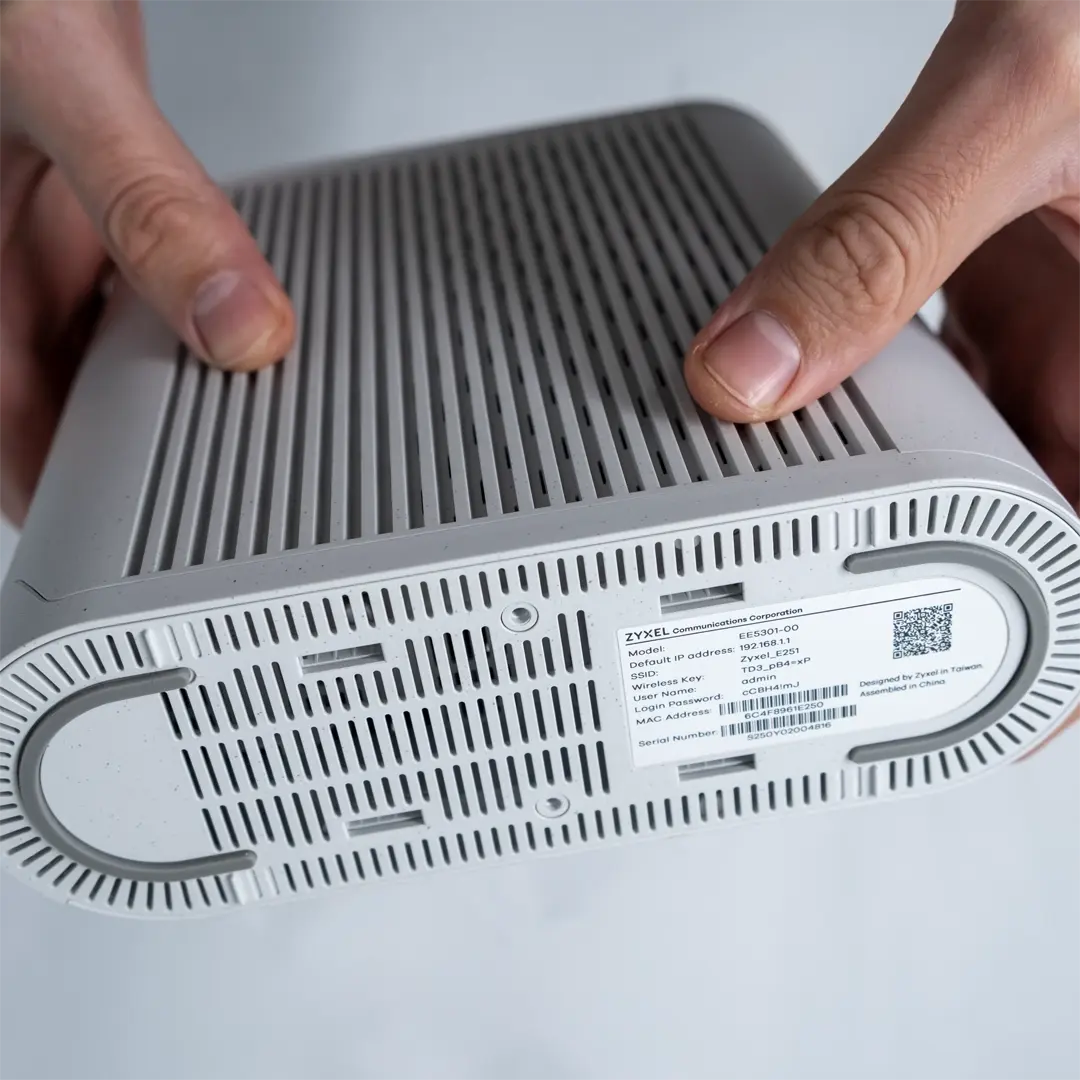
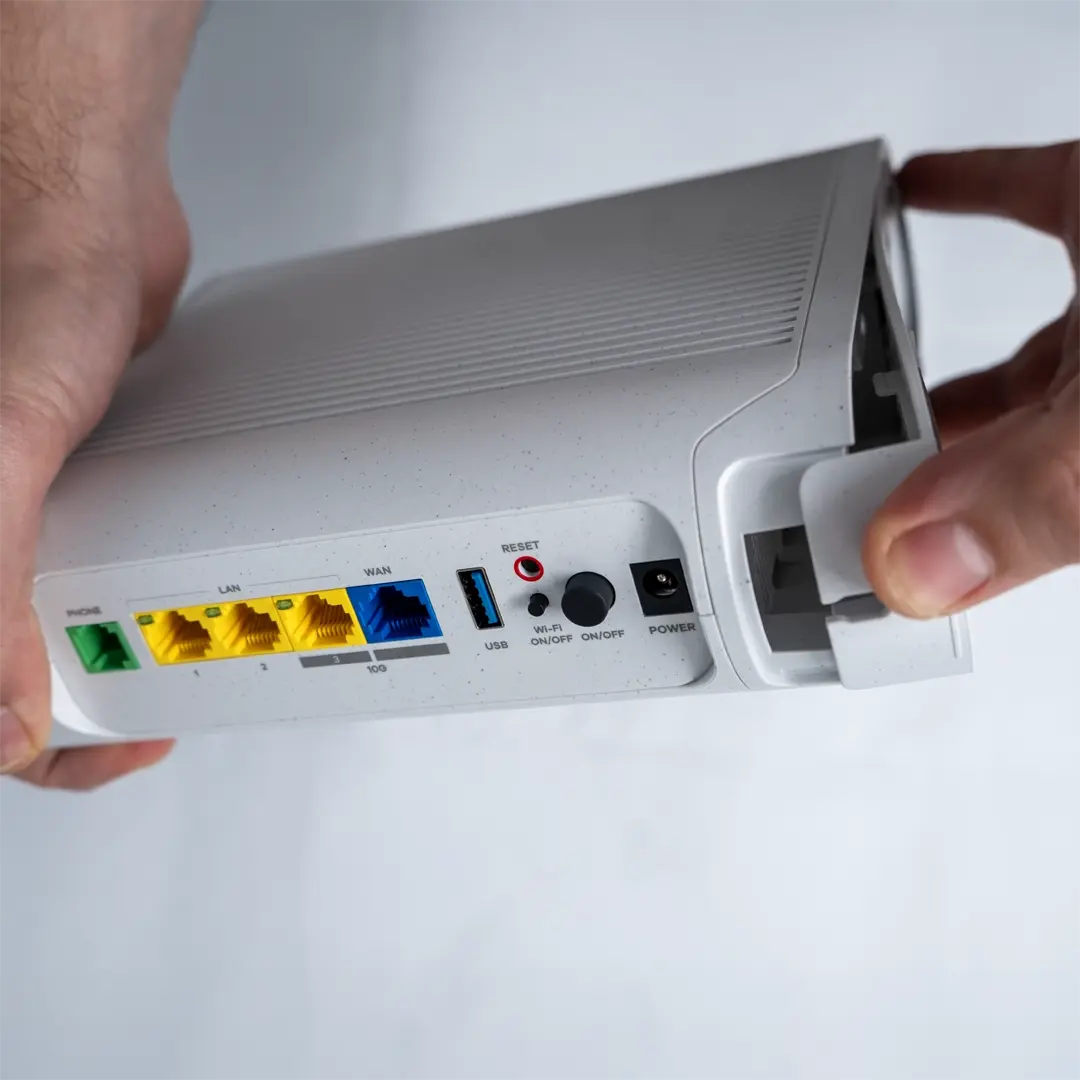
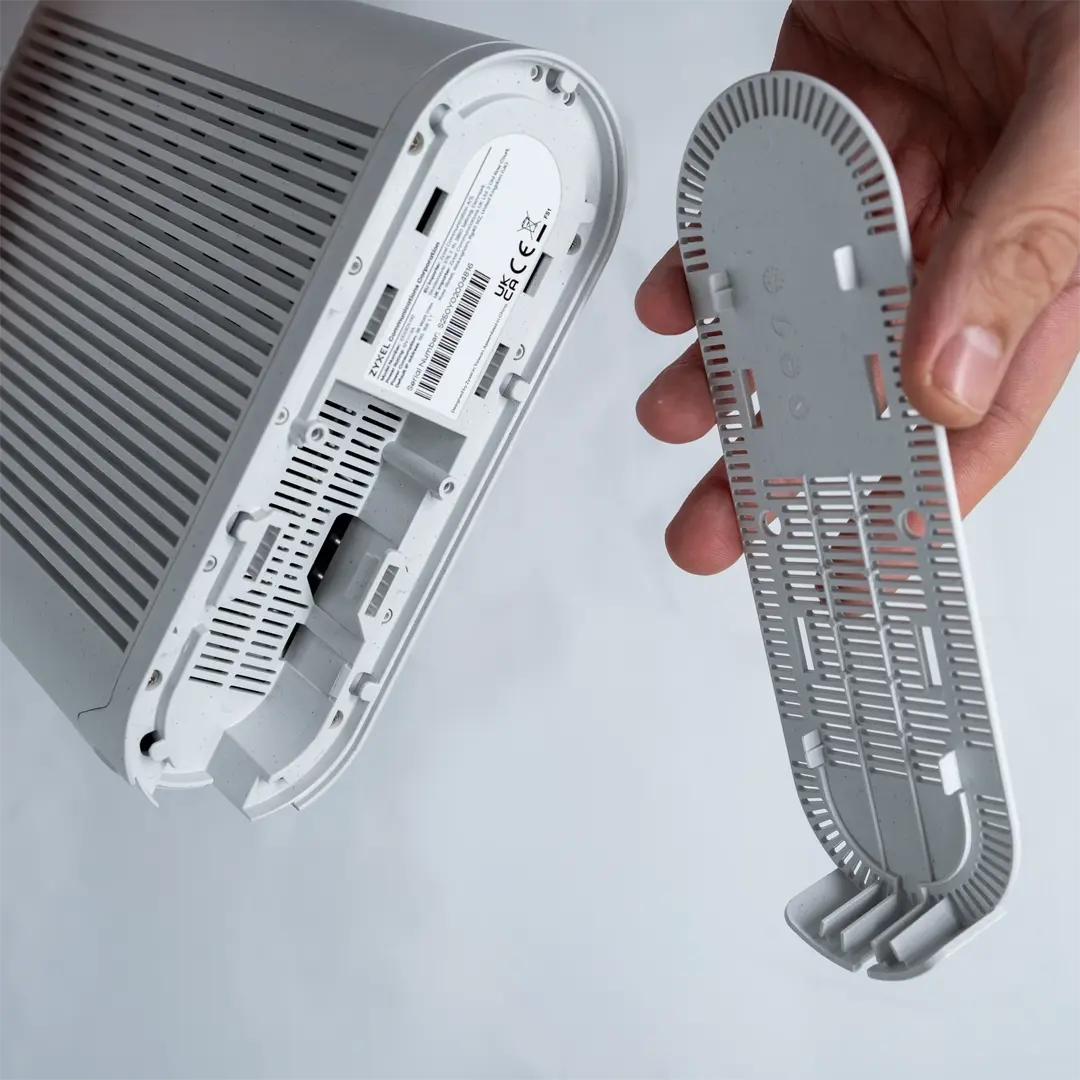
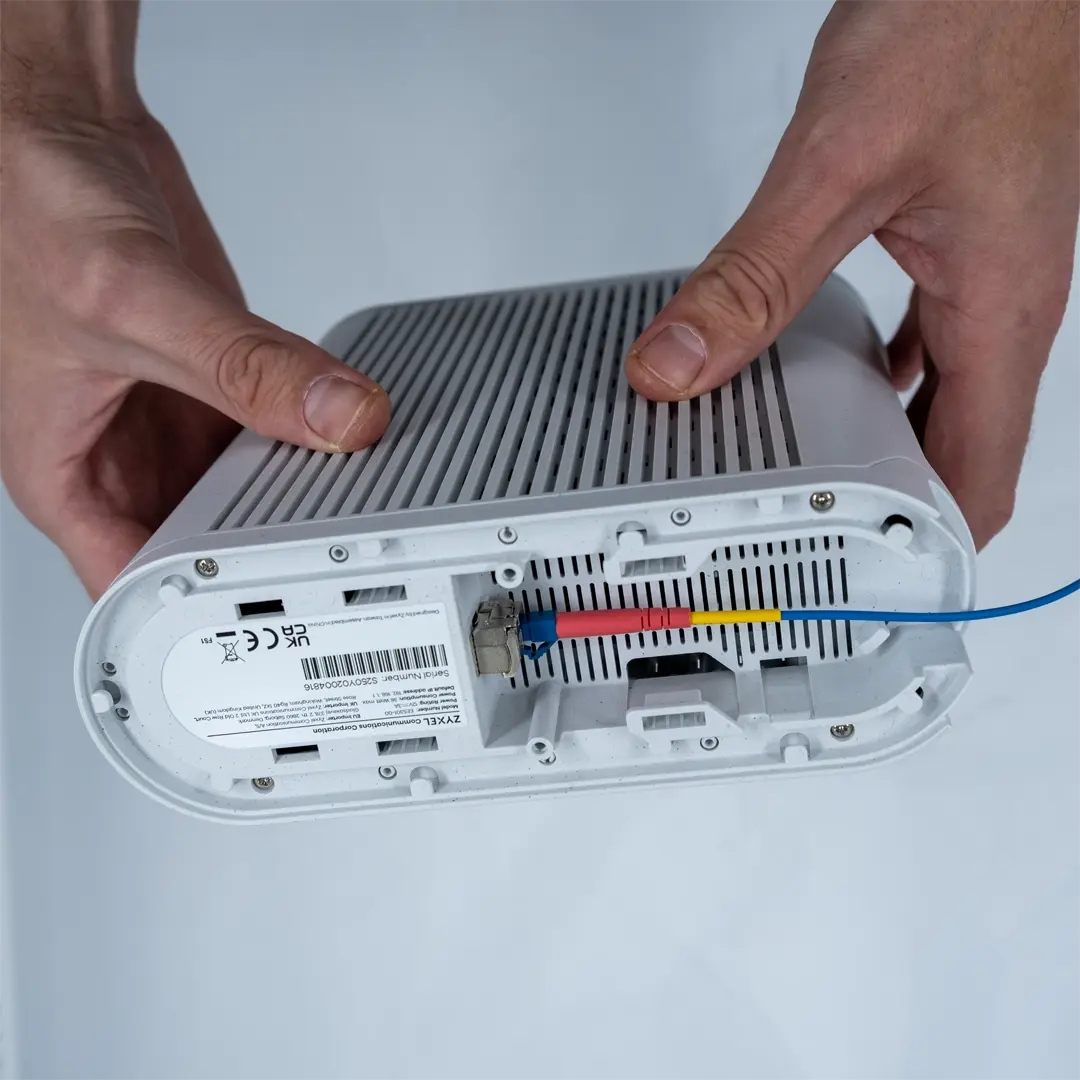
Turn the router upside down (see image 1). Hold the router firmly with one hand and grip the edge of the cover with the other (see image 2). Pull the cover straight out until it detaches from the underside of the unit (see image 3).
Insert the SFP Module
Insert the SFP module into the slot on the underside of the device until it is firmly seated.
Connect the Fibre Cable
Replace the bottom cover on the router and press until it snaps securely into place.
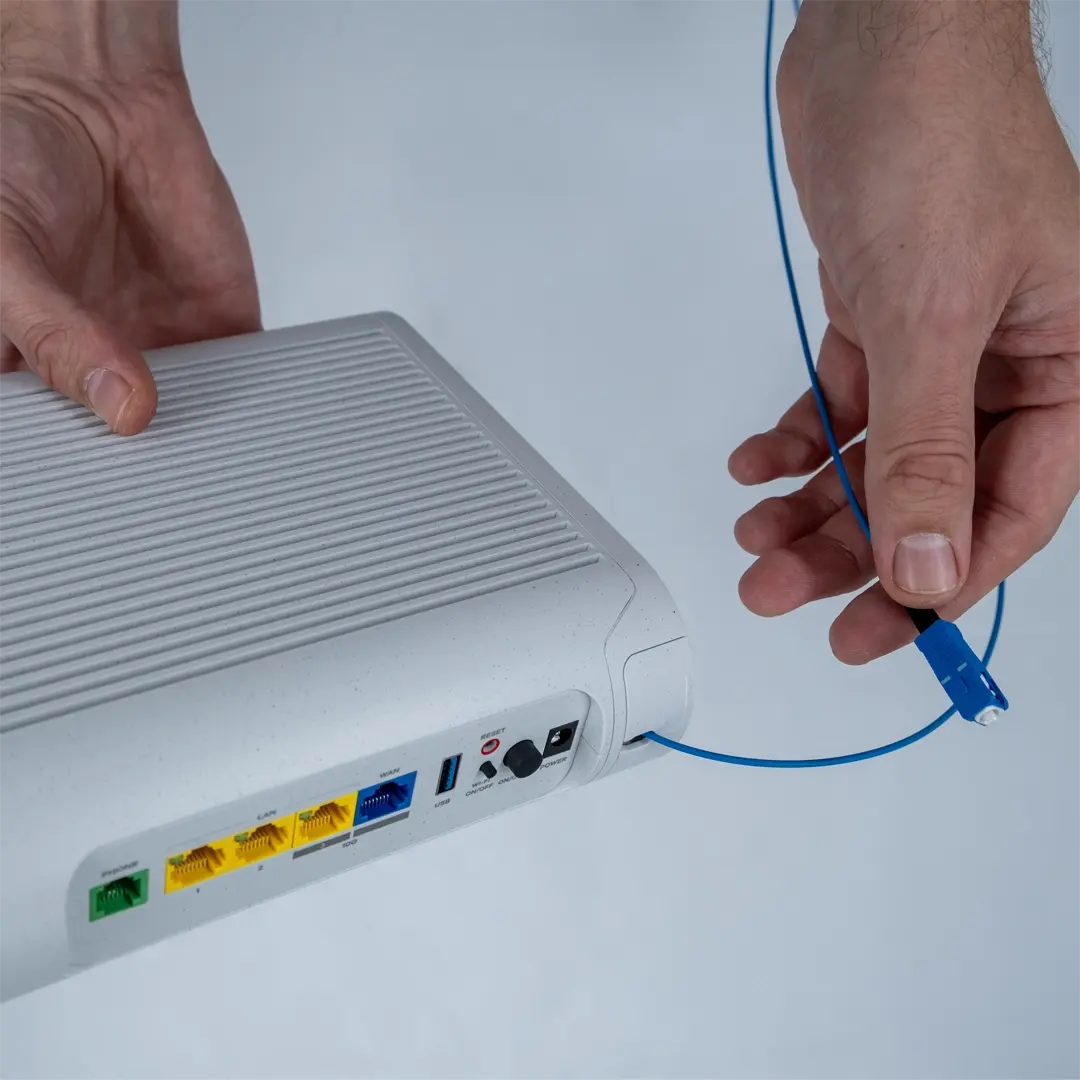
Then connect the larger end of the fibre cable to the fibre outlet in your home.
Power On the Router
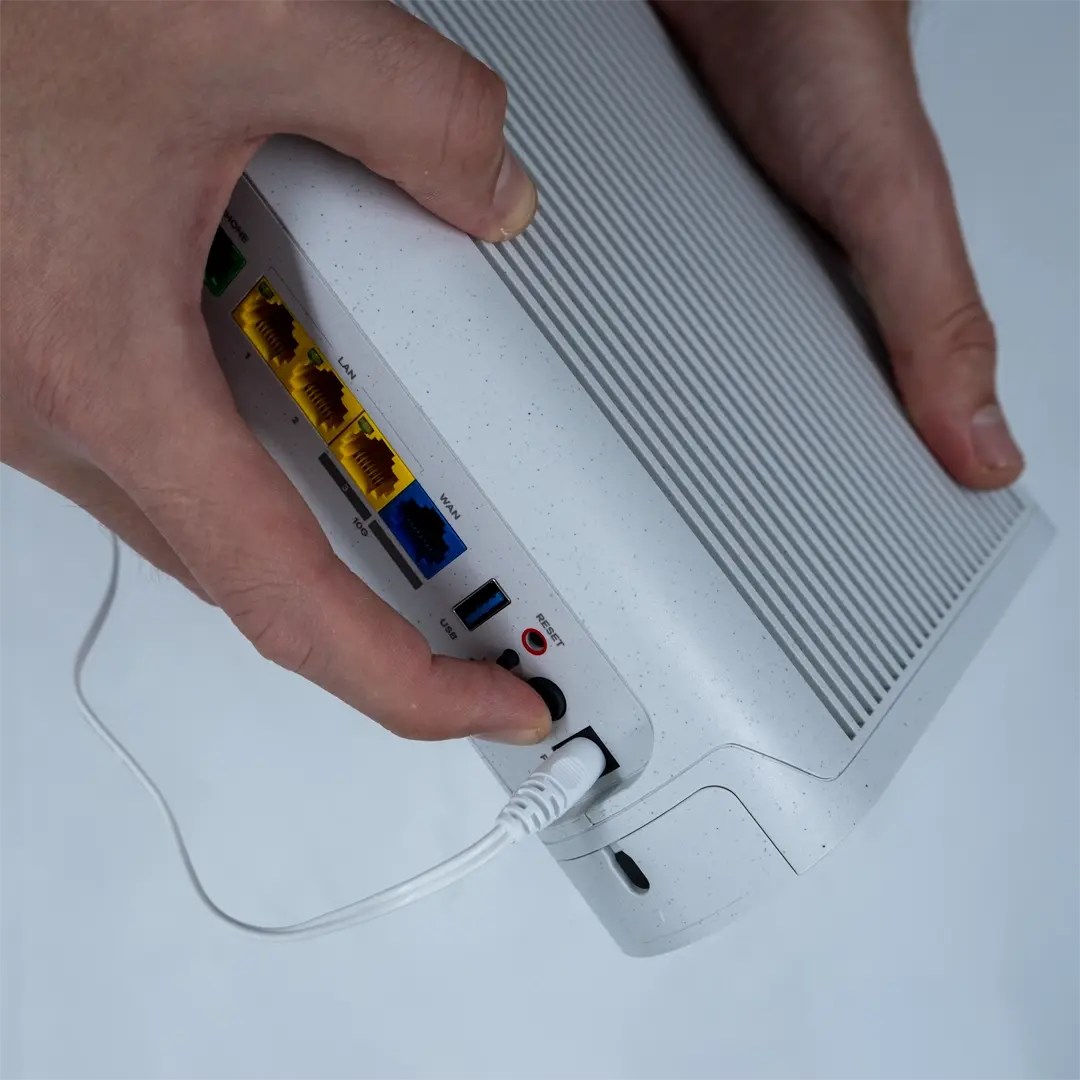
Connect the power cable and press the power button, located just above the power socket on the back of the router.
Then wait about 15 minutes while the router starts up and retrieves any necessary settings. In some cases, the startup process is quicker, but if nothing happens, try restarting the unit.
Connect Your Device
Connect your mobile device by scanning the QR code on the underside of the router, or by entering the Wi-Fi password (SSID) manually.
You can also connect a computer or games console using a network cable to one of the LAN ports on the back of the router.
All Set!
We hope your broadband connection and your Zyxel EE5301 are working perfectly.
If you need further assistance, you’re always welcome to chat with us via My Pages or call 010-510 00 00.